


 Settings → Billing and plans shows what your workspace is using and paying for. It brings the current plan, limits, add-ons, invoices, payment details and subscription controls into one place.
Billing must be available for your workspace. If you see Billing is not yet available, contact
Begin support. You need the Manage billing permission. The Administrator role has it by
default. Where custom roles are available, an administrator can grant it in Settings →
Permissions.
Start here
Limits stop new work, not old data
Each plan sets allowances for active employees, custom workflows, Begin AI tokens and e-signatures. A lower plan can also switch off access to Pro features. Begin does not delete the people, fields, roles or audit entries you already created when the plan changes. The Current plan card shows the active plan and this period’s usage. When a capped action reaches its limit, the control stays available and opens an upgrade explanation instead of failing without context.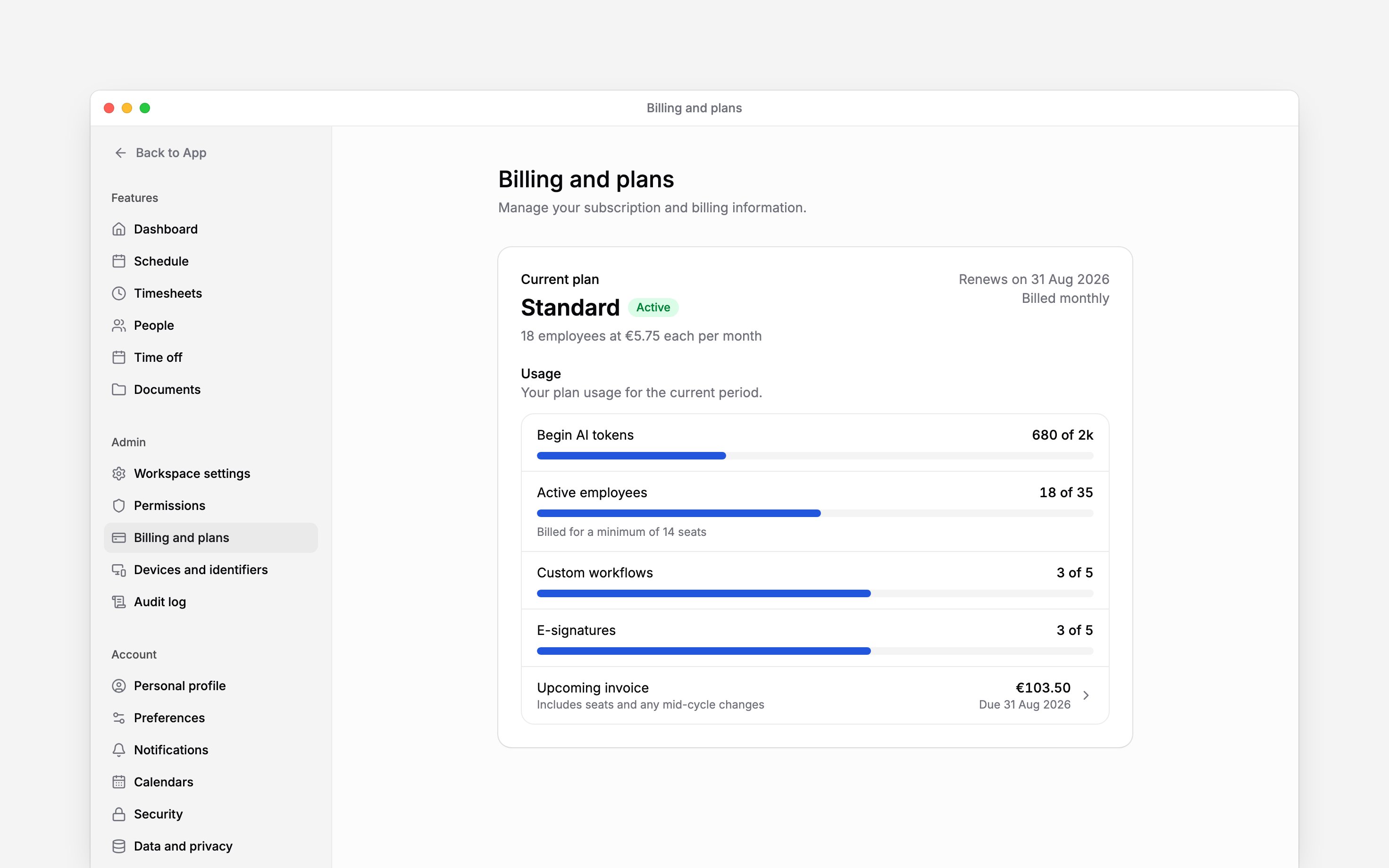
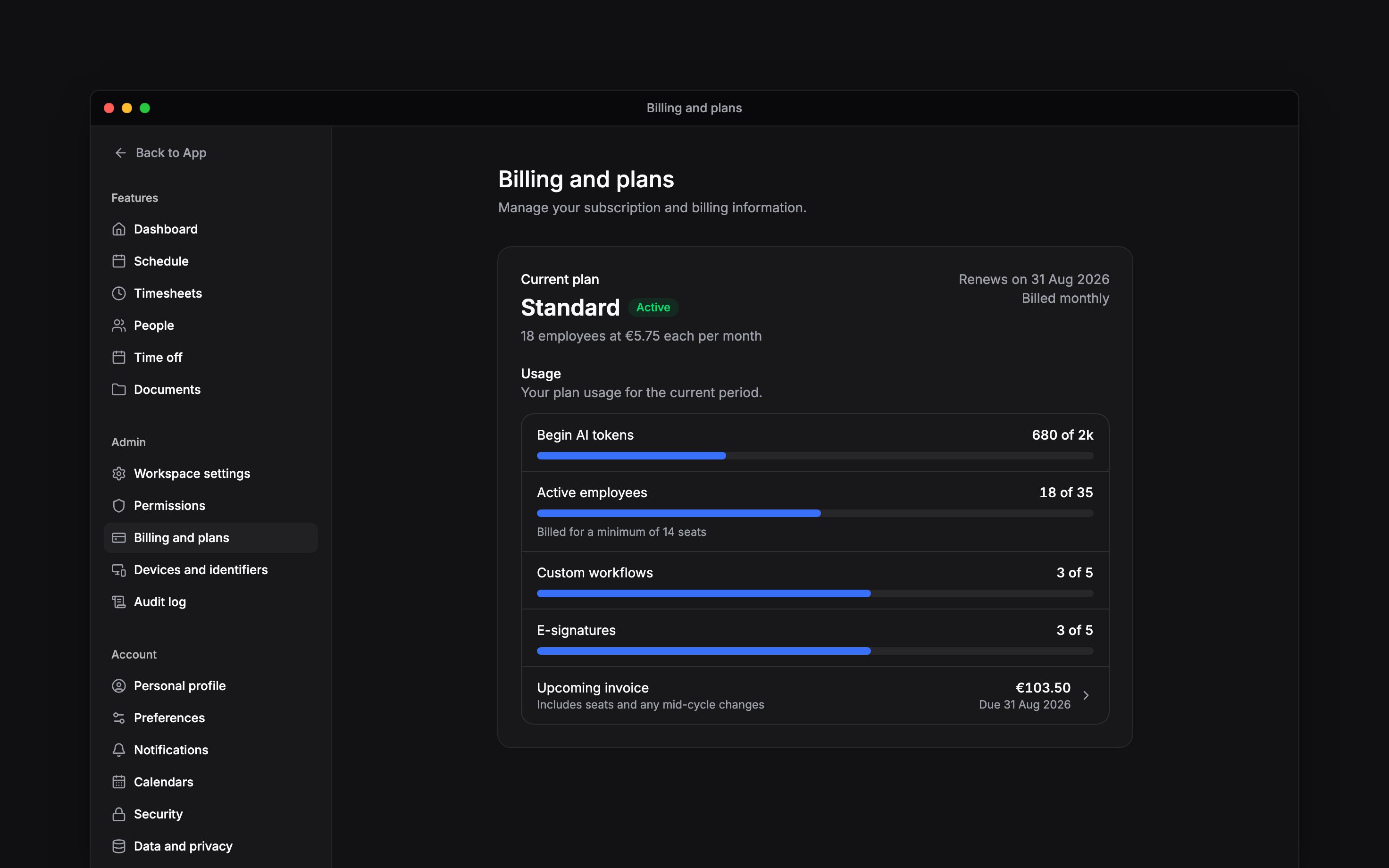
The Current plan card keeps the plan and its usage in one place
Next
Choosing a plan
The limits and billing model behind Free, Standard and Pro.
When a trial ends
Add a payment method or continue within the Free limits.
Still need help?
Contact support
Email the Begin team and we’ll get back to you.
Ask Begin AI
Open the AI assistant and get instant answers based on these docs.