


 Begin follows up automatically near a deadline. You can also remind one pending person from the request detail when they need a nudge now.
Acknowledgements must be enabled for your workspace and your role needs access (Acknowledgements overview).
Begin follows up automatically near a deadline. You can also remind one pending person from the request detail when they need a nudge now.
Acknowledgements must be enabled for your workspace and your role needs access (Acknowledgements overview).
Send a reminder
1
Open the request
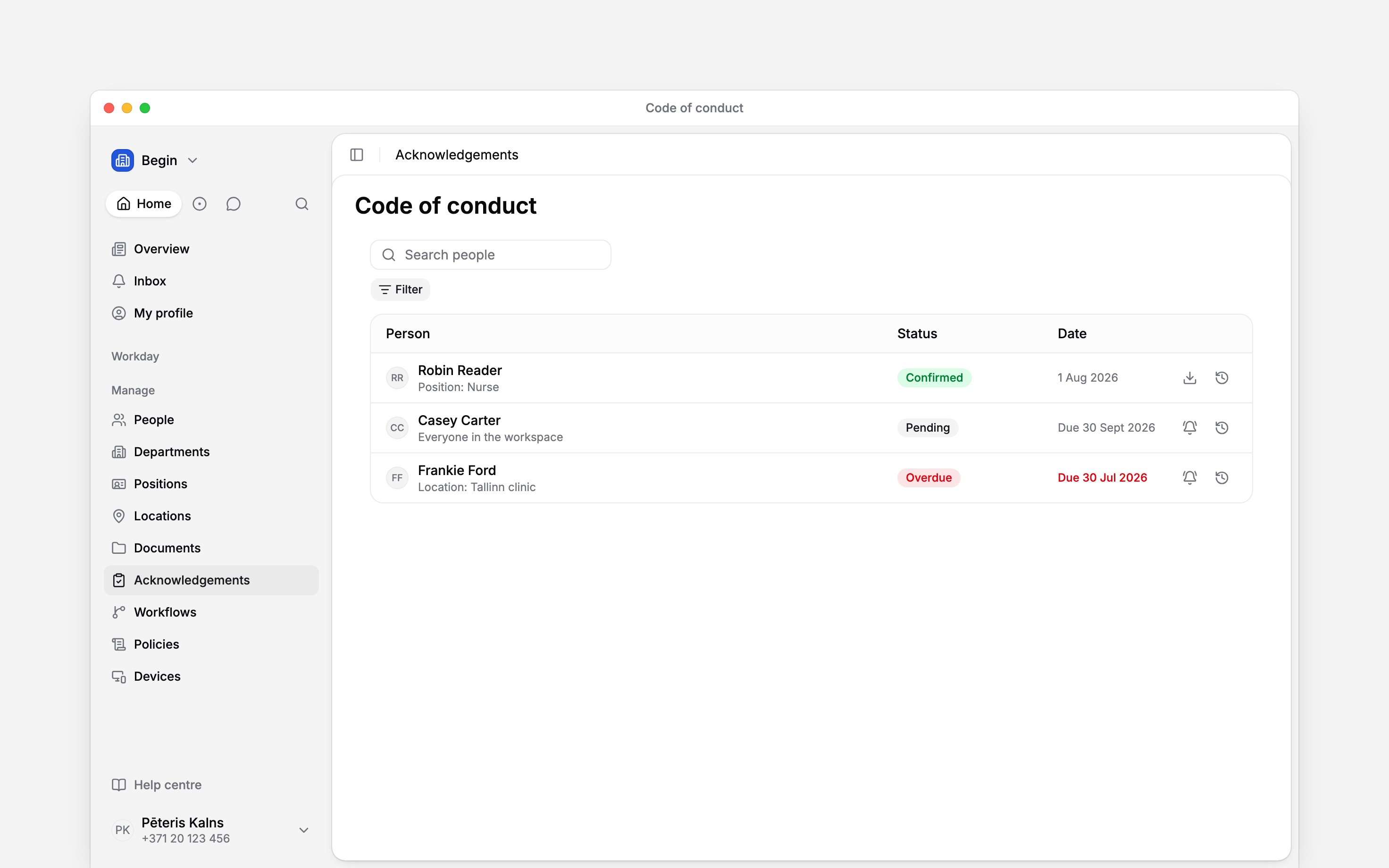
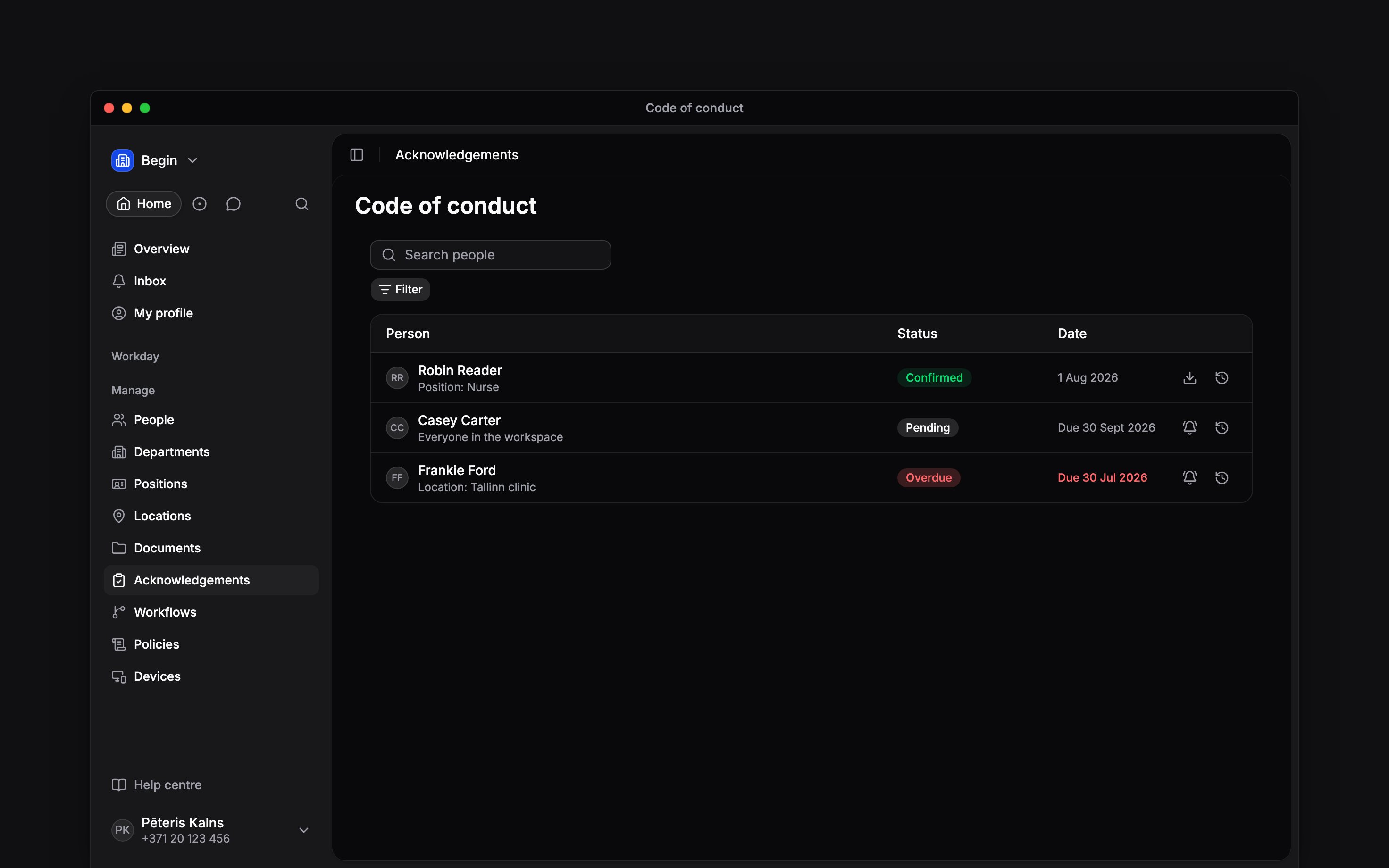
Go to Acknowledgements, open the request, then select its document row.
2
Find the person
Search the people list or use Pending or Overdue. A confirmed person no longer has a
reminder action.
3
Send the reminder
Select the bell beside the person. Begin sends one reminder for that document assignment. You
can send another after one hour if it is still pending.
When Begin asks again
There is no manual re-ask button. Begin asks again in two cases:- The document changes. A new version resets confirmation for that document. In a pack, confirmations for the other documents remain valid.
- The request renews. At the selected 90, 180 or 365-day interval, the request starts a new cycle for its audience.
Editing a request
Open the request and select Edit to change its name, audience, fixed due date, future-joiner window or renewal interval. You need the same access as to create the request: acknowledgement access, Full access to every document in the pack, and a role that can create acknowledgement requests. Add someone and Begin asks them straight away. Remove someone and they drop off without a confirmation being asked, and they lose the view access the request gave them unless another request still asks them or you shared the document with them yourself. The documents and the confirmation method cannot change: send a new request when the pack itself needs to be different.Edit is available only while a request is active. Reactivate an archived request first.
Archiving, reactivating and deleting a request
Select Archive from the request’s overflow menu when it should stop asking. Begin stops asking anyone who has not confirmed, stops reminders, escalations and renewals, and a document edit no longer re-asks it. Confirmations already given stay as evidence, and history keeps showing them. The request stays in the Acknowledgements overview with an Archived status, and you can filter the overview to Archived. Reactivate brings the request back. Pending people are asked again, the audience is refreshed the same way a renewal refreshes it (joiners added, leavers dropped), and a renewing request gets its next renewal one full period from the moment you reactivate it. Delete appears only for an archived request, and asks you to type the request’s name before it removes it. The request leaves the overview, and so does the view access it gave people, on the same terms as removing them. Confirmations people already gave stay in each person’s own history. You can also ask Begin AI to edit, archive, reactivate or delete a request, or to remind the people who have not confirmed yet. Its card names the request before anything changes, and a reminder card says how many reminders would go out now. A reminder skips anyone who has already confirmed or was reminded in the last hour. Begin AI needs the same access as the request page and cannot confirm a document for someone else. Whatever approval setting the chat uses, an edit always shows its card, because it can give more people access to the documents, and so does a reminder, because it lands in other people’s inboxes.Next
Tracking completion
Find the pending people and read their confirmation history.
Audiences and deadlines
Set future-joiner deadlines and renewal timing before sending.
Still need help?
Contact support
Email the Begin team and we’ll get back to you.
Ask Begin AI
Open the AI assistant and get instant answers based on these docs.