


 Allow Begin support into your workspace when a problem needs investigation. Support enters with administrator access, and changes are logged under the support person’s name.
You need Manage workspace settings to grant, approve or revoke support access.
Open access from Settings
1
Choose the workspace
Switch to the workspace that needs help, then open Settings → Workspace settings.
2
Allow support access
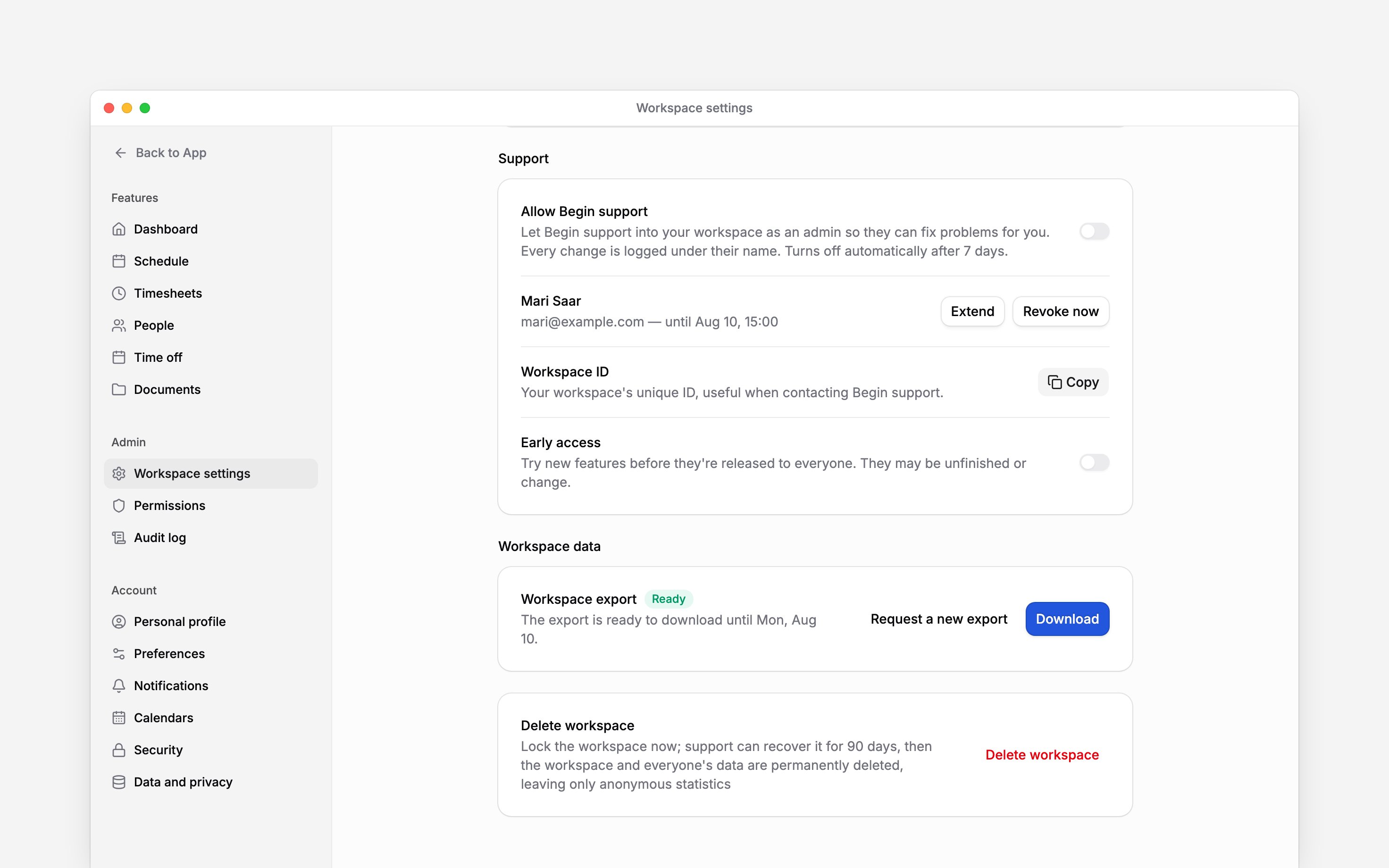
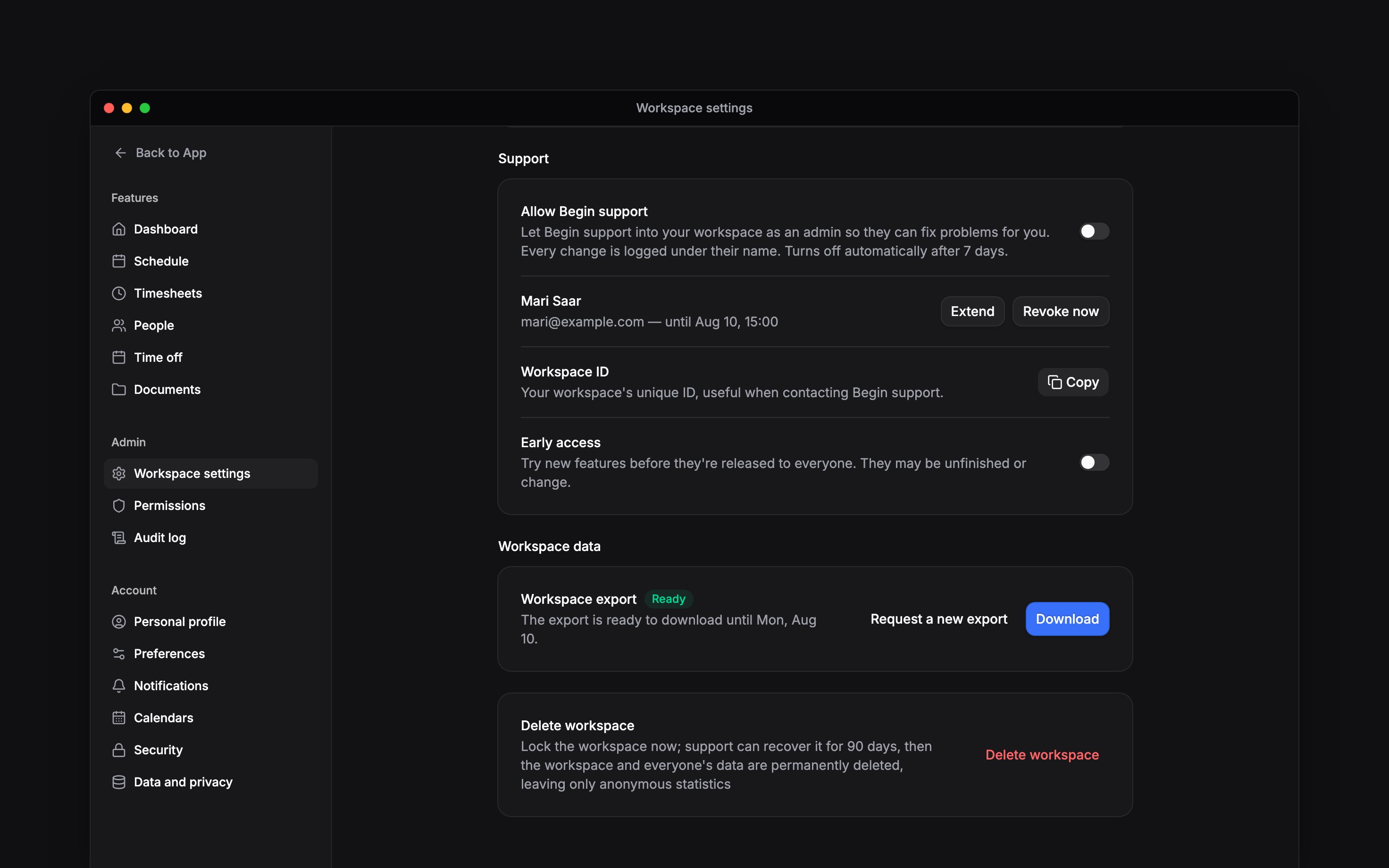
Find Support and turn on Allow Begin support. This opens access to authorised Begin
support staff for seven days.
3
Share the workspace ID
Use the copy control beside Workspace ID in the same group and include it in your support
conversation. The ID identifies the workspace; copying it does not grant access.
Answer a request from a support person
Open the support access request in Inbox, under To do on Priority. Read the person’s name, reason and requested duration before choosing Allow access or Decline. Begin also emails the request to everyone who can answer it, as soon as it is sent. The email shows the reason, the requested duration and the answer deadline, and Review request opens the same card. Turning email notifications off in your notification settings stops these emails; the Inbox card still arrives. Approving grants that person access for the requested period, up to 30 days. Leave Also allow all Begin support for 7 days off when you intend to approve only the named person. Select it only when the wider support team also needs access. A request to extend access says so. The card reads Begin support asked to extend access, names how many more days are wanted and shows the date the current access ends. Approving moves that person’s existing end date out rather than starting a second grant, so they keep one line in the list below. A pending request shows an answer deadline. If it has expired, ask support to send a new request.Review and revoke access
Return to the Support group. Begin support has access shows the access expiry and, where applicable, the named holder. Expiry times use the workspace’s timezone and time format. Turn off Allow Begin support, or use Revoke now, to close the shared support window. With the shared switch off, review any named grants below it. Use Extend beside a person to give them more days without waiting to be asked, and Revoke now beside each person whose access should end. Use Audit log to investigate the changes made during the visit. Filter Origin by Begin support to see only their changes.Next
Audit log
Review recorded activity.
Roles and permissions
Choose who can manage workspace access.
Still need help?
Contact support
Email the Begin team and we’ll get back to you.
Ask Begin AI
Open the AI assistant and get instant answers based on these docs.