


 A client is a person or business your team works for. You keep them in Clients, then tag shifts and time entries with the clients the work was for, so the schedule, the timesheet and your reports can show the work client by client.
Beta
Clients are rolling out gradually, so your workspace may not have them yet. If Clients is
missing from the sidebar, or opening it says You don’t have access, ask an administrator to
check your role, then ask us to turn clients on.
Start here
Where clients live
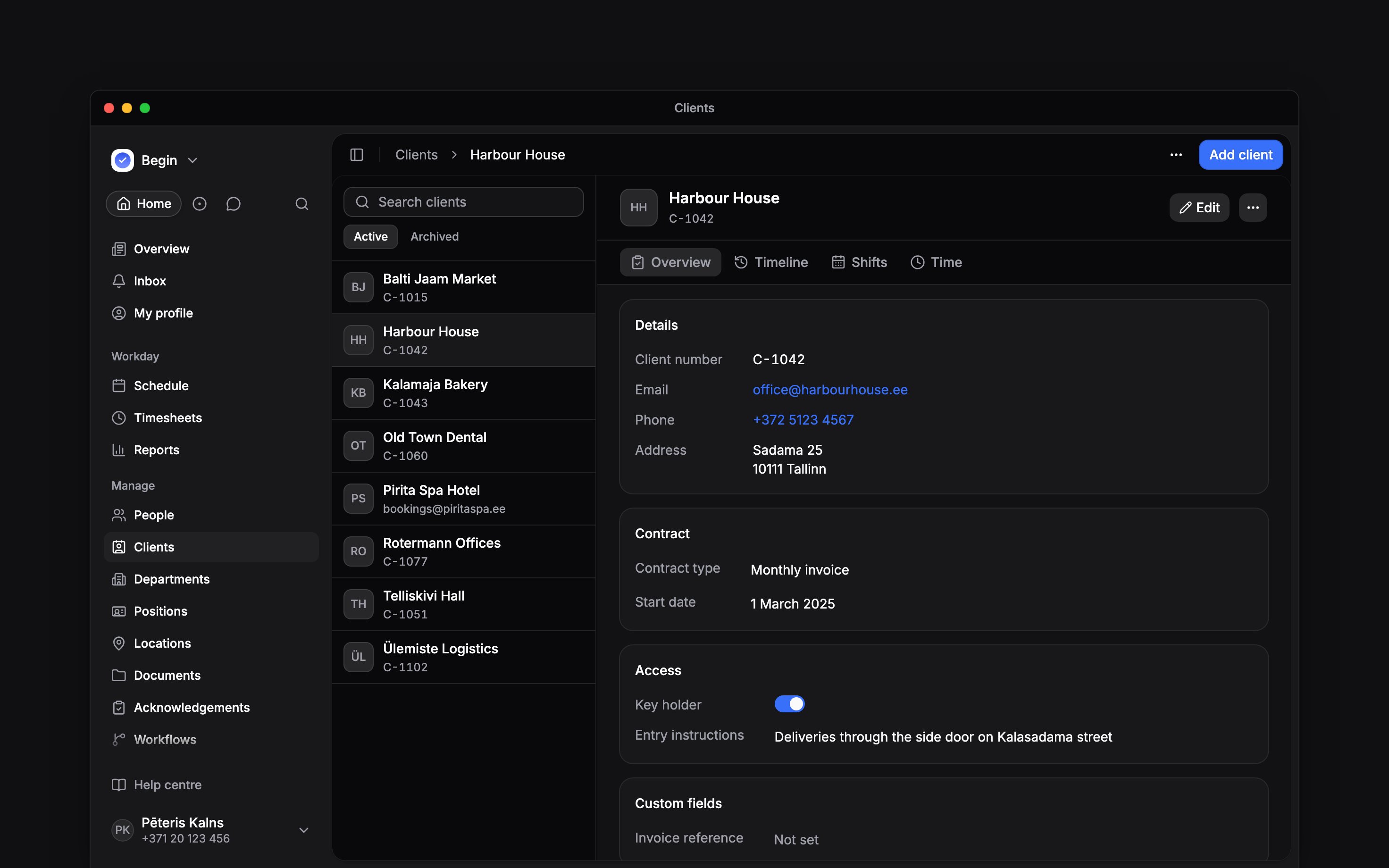
Open Clients under Manage in the sidebar. The list of clients sits beside the one you have open, with its details, its timeline and the work tagged with it. On a phone you see one at a time.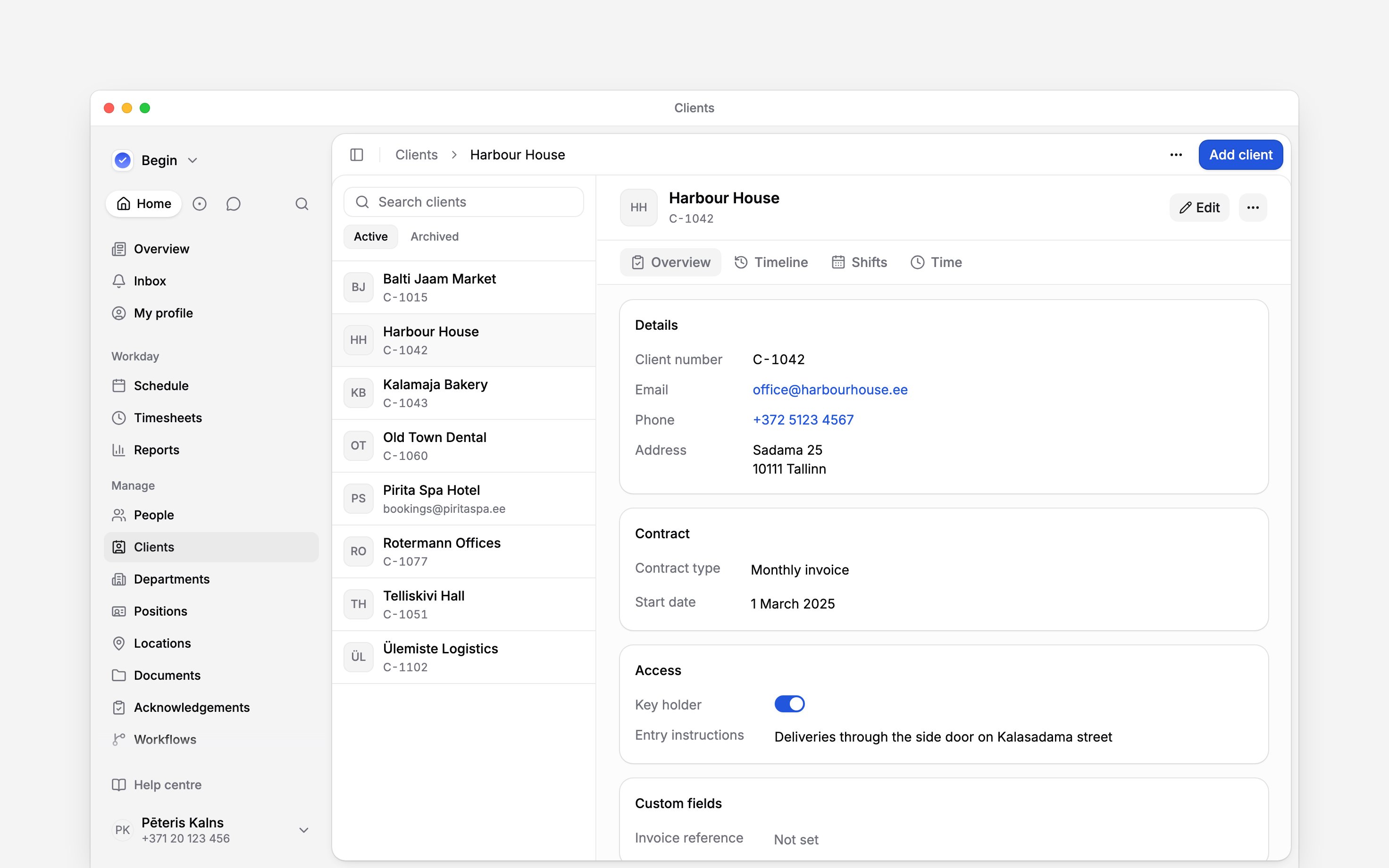
Who sees clients
Two toggles on the Clients row of a role decide it, in Settings → Permissions:
Administrator and Manager have both, and can also add, edit and delete clients and change client fields. Employee has Data access only: people see the clients on their shifts and pick one when they clock in, but have no Clients page.
A role reaches every client or none. Who can they see? cannot limit it to some clients, but it still decides which shifts and time entries a profile lists, so two managers can see different work on the same client.
Next
Adding clients
Add a client with its number and contact details.
Tagging work with clients
Put clients on shifts and time entries, one at a time or many.
Still need help?
Contact support
Email the Begin team and we’ll get back to you.
Ask Begin AI
Open the AI assistant and get instant answers based on these docs.