


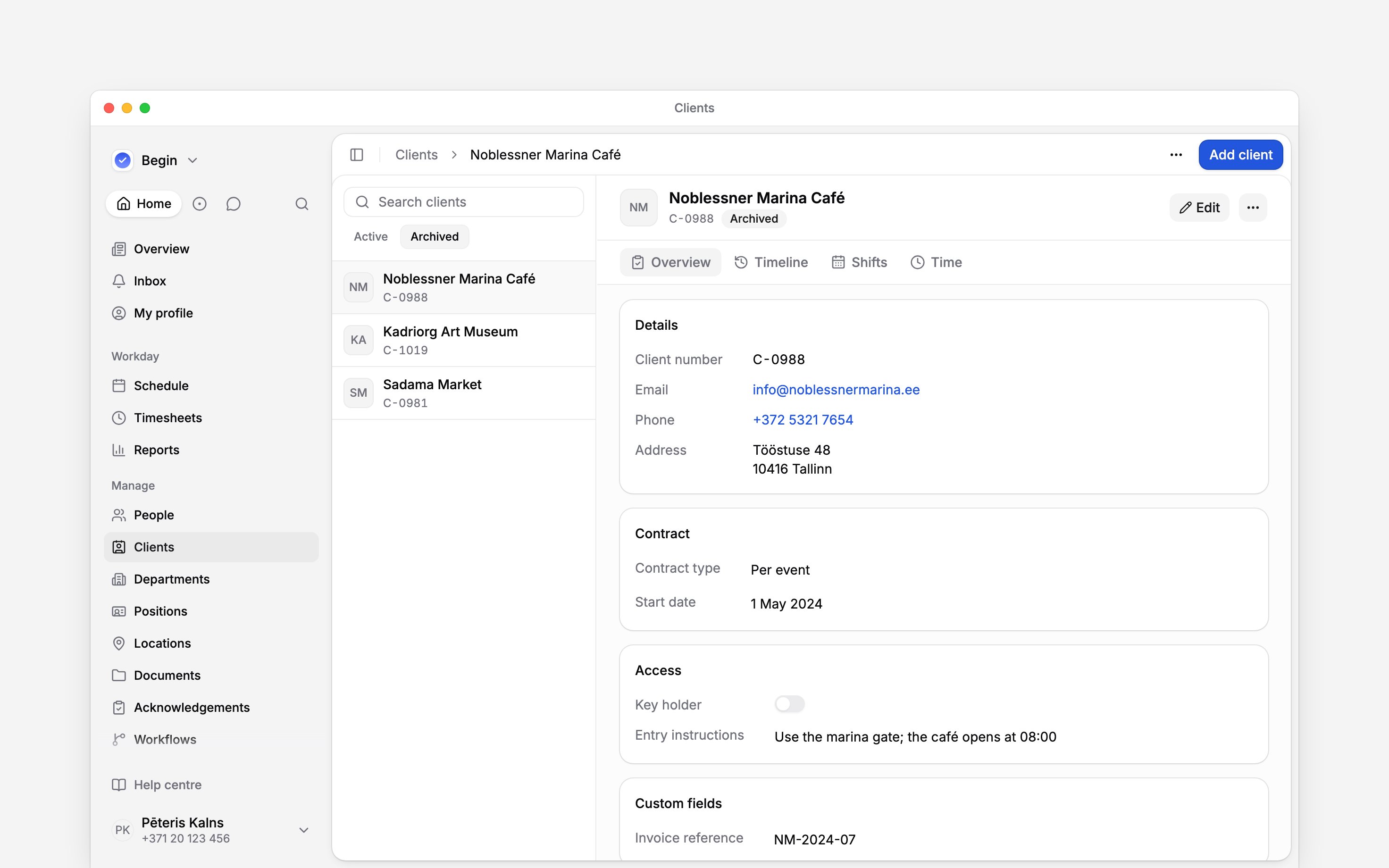
 When you stop working for a client, archive it. An archived client leaves the client list and every picker, while its shifts and time entries keep the tag and its profile keeps its details, fields and notes. Delete a client only when it should not exist at all.
Beta
Clients are rolling out gradually, so your workspace may not have them yet. If Clients is
missing from the sidebar, ask us to turn them on.
Archive a client
1
Open the client
Find it in Clients and open its profile.
2
Archive it
Open More actions (the three-dot menu beside the client’s name), choose Archive, then
confirm.
Bring it back
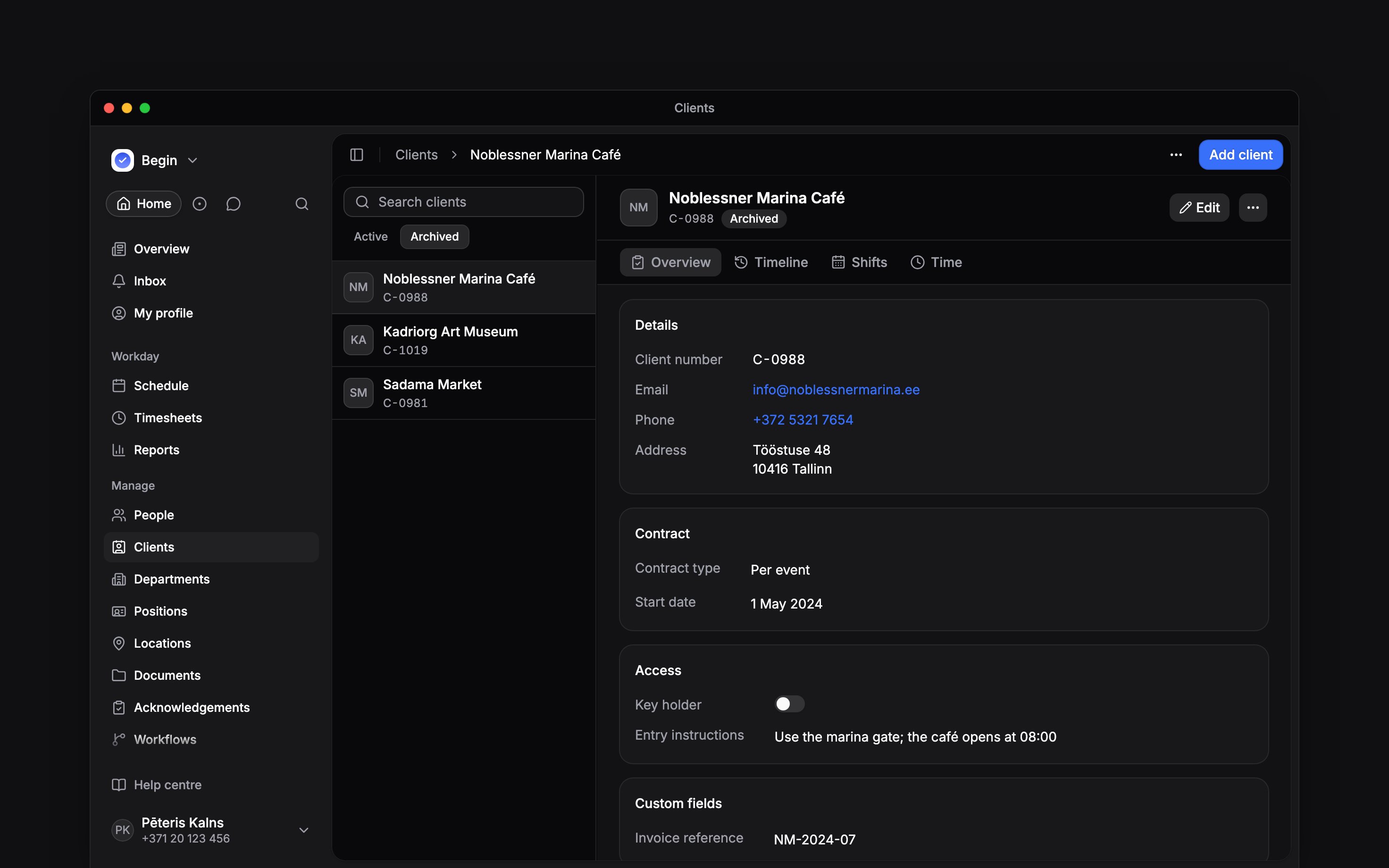
Open the client from Archived, choose More actions → Restore, then confirm. It returns to the list and the pickers. The command palette finds archived clients too, so you can open one from there.Delete a client
More actions → Delete takes the client out of the list, the pickers and Search. You do not have to archive it first. Its shifts and time entries keep the client, its name followed by (deleted), and its client number becomes free for another client. Its profile, timeline and lists of work can no longer be opened.Next
Client profiles
Keep notes on the clients you still work for.
Adding clients
Add a client, or find an archived one again.
Still need help?
Contact support
Email the Begin team and we’ll get back to you.
Ask Begin AI
Open the AI assistant and get instant answers based on these docs.