


 The schedule is where you build the working week: who is on, when, where, and in which position. You place shifts on a grid of people and days, and a shift reaches the team only once you publish it.
Start here
Beta
Or ask Begin AI (Cmd / Ctrl + J):
Beta features roll out gradually. Your workspace may not have them yet.
Show me next week's shifts.
A shift is a draft until you publish it
A shift you add is a until you publish it, so your team sees nothing and nobody is notified. Publishing releases the period and filters you are looking at, and nothing else.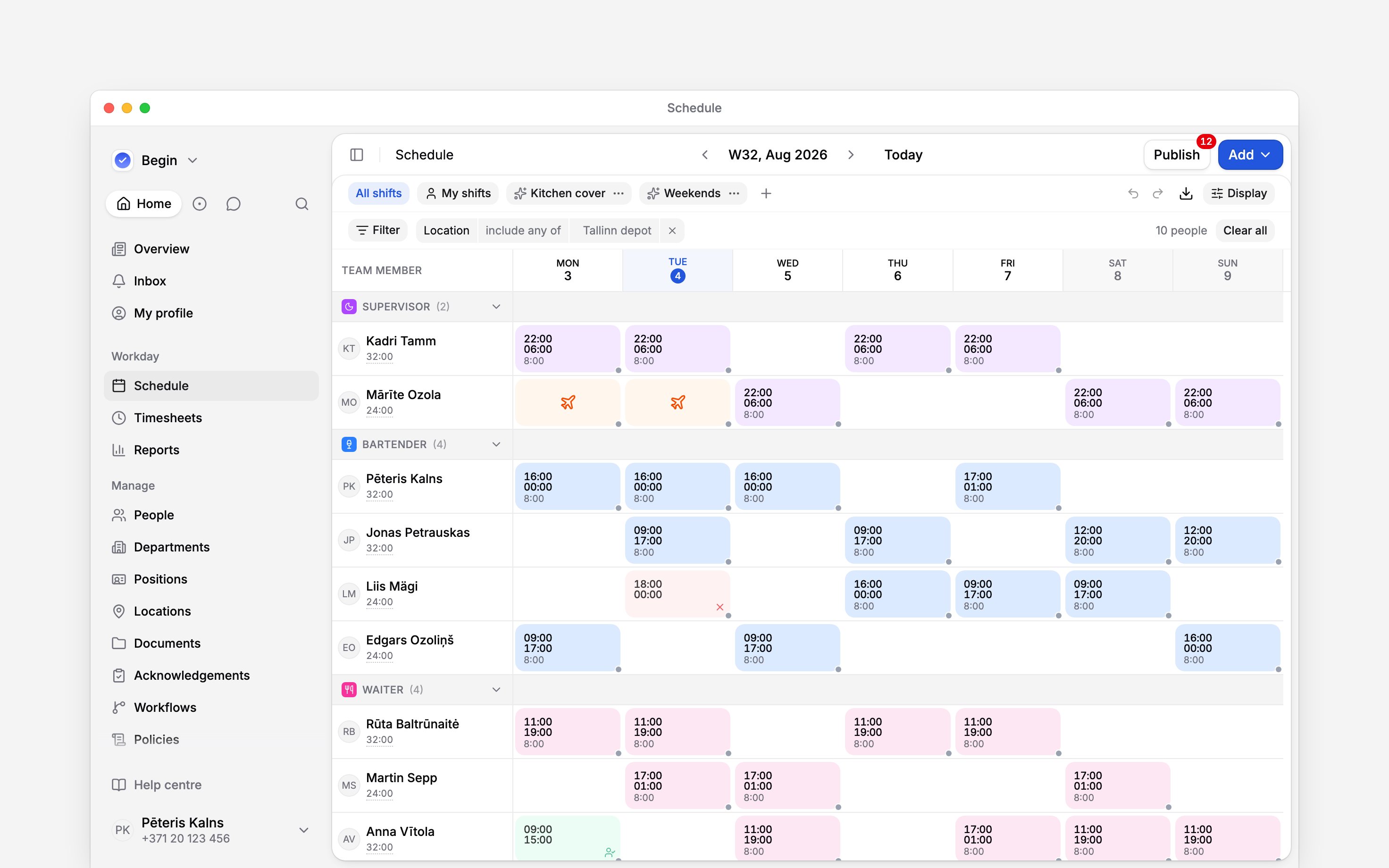
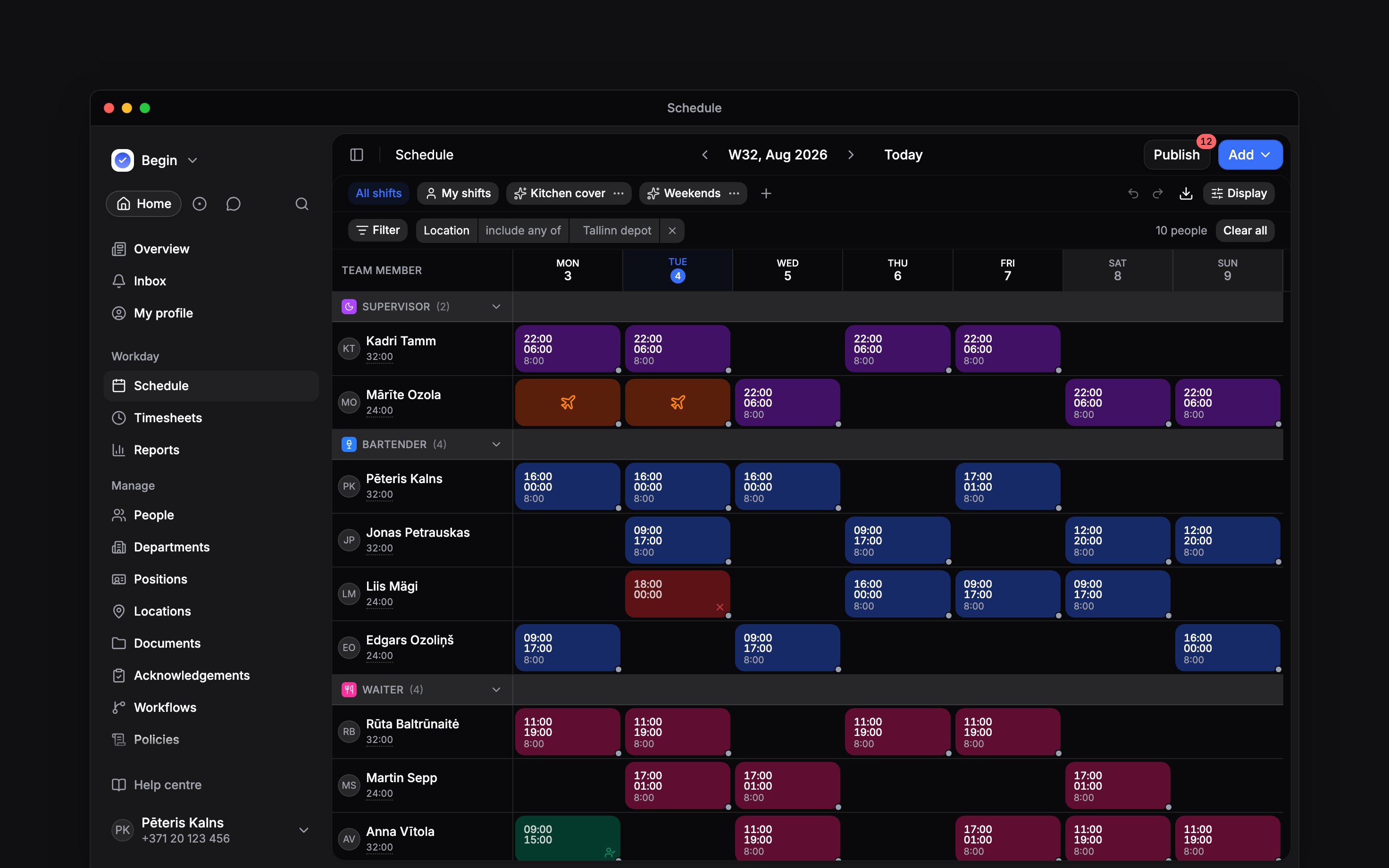
Every shift here is still a draft, and the number on Publish is what would go out
Who sees what
You build; the team reads. Someone on an employee role sees their own shifts, and their colleagues’ too when their role allows it. They can add and remove their own Available and Unavailable blocks, which is how they tell you when they can work. They cannot create shifts, and they cannot change anything on somebody else’s row. Time off and Shift swaps are the two pages they also use: your team asks, and you decide. Every other page in this section is a manager’s job.Can other managers see my drafts?
Can other managers see my drafts?
Yes. Anyone whose role can add and edit shifts sees drafts, for the people their role lets them
see. Someone without that permission, which includes the employee role, sees a shift only once
it is published.
Do time off and availability wait for Publish too?
Do time off and availability wait for Publish too?
No. Only shifts are held back as drafts: time off and availability show on the person’s row as
soon as they are saved.
Where the settings live
The schedule reads its rules from a few places. Each has its own permission, so one missing from your menu is one your role does not carry.
The week always starts on Monday. There is no setting for it.
Next
Creating shifts
Times, assignees, breaks, and the shift form.
Publishing
How a draft week reaches the team.
Still need help?
Contact support
Email the Begin team and we’ll get back to you.
Ask Begin AI
Open the AI assistant and get instant answers based on these docs.