


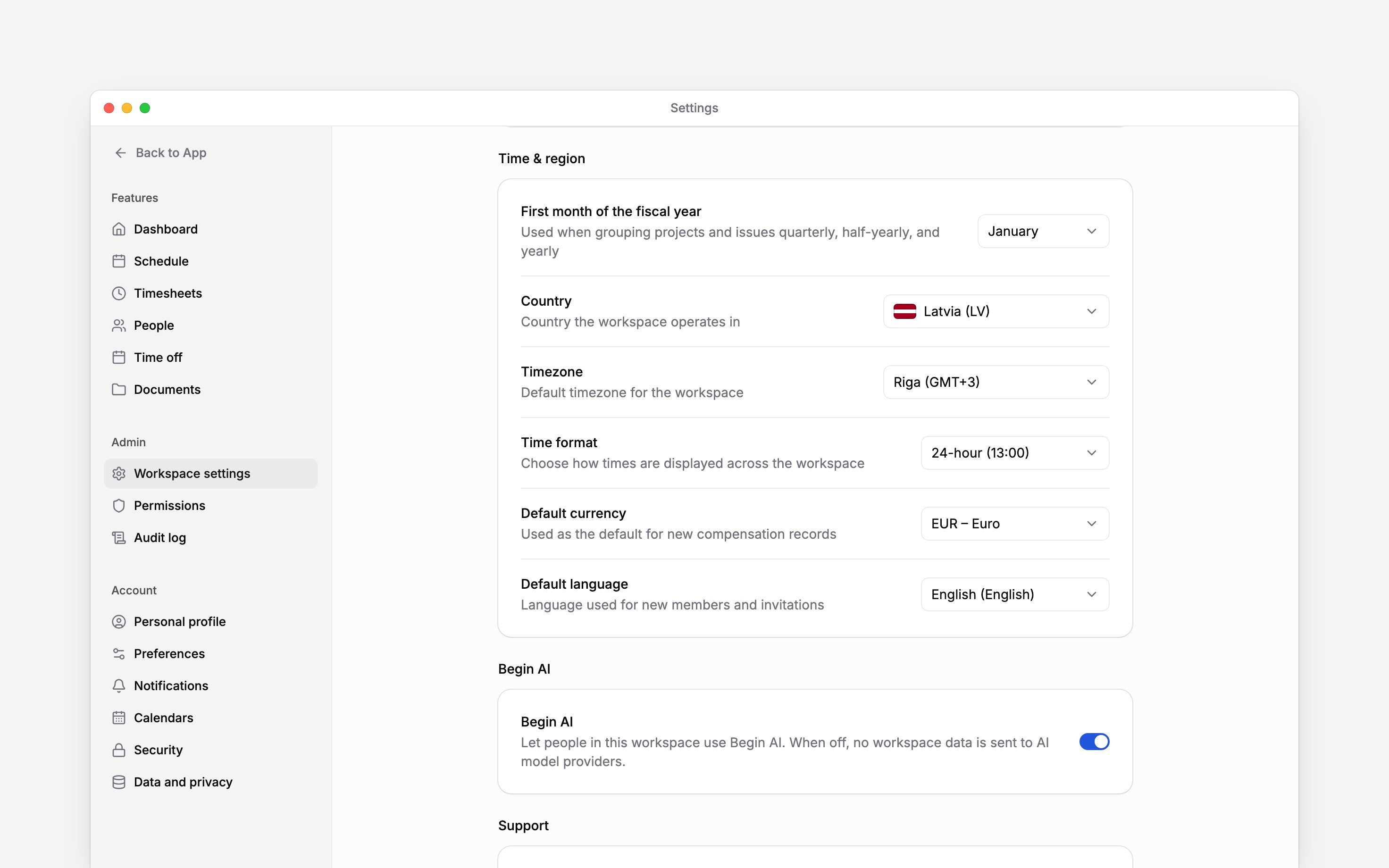
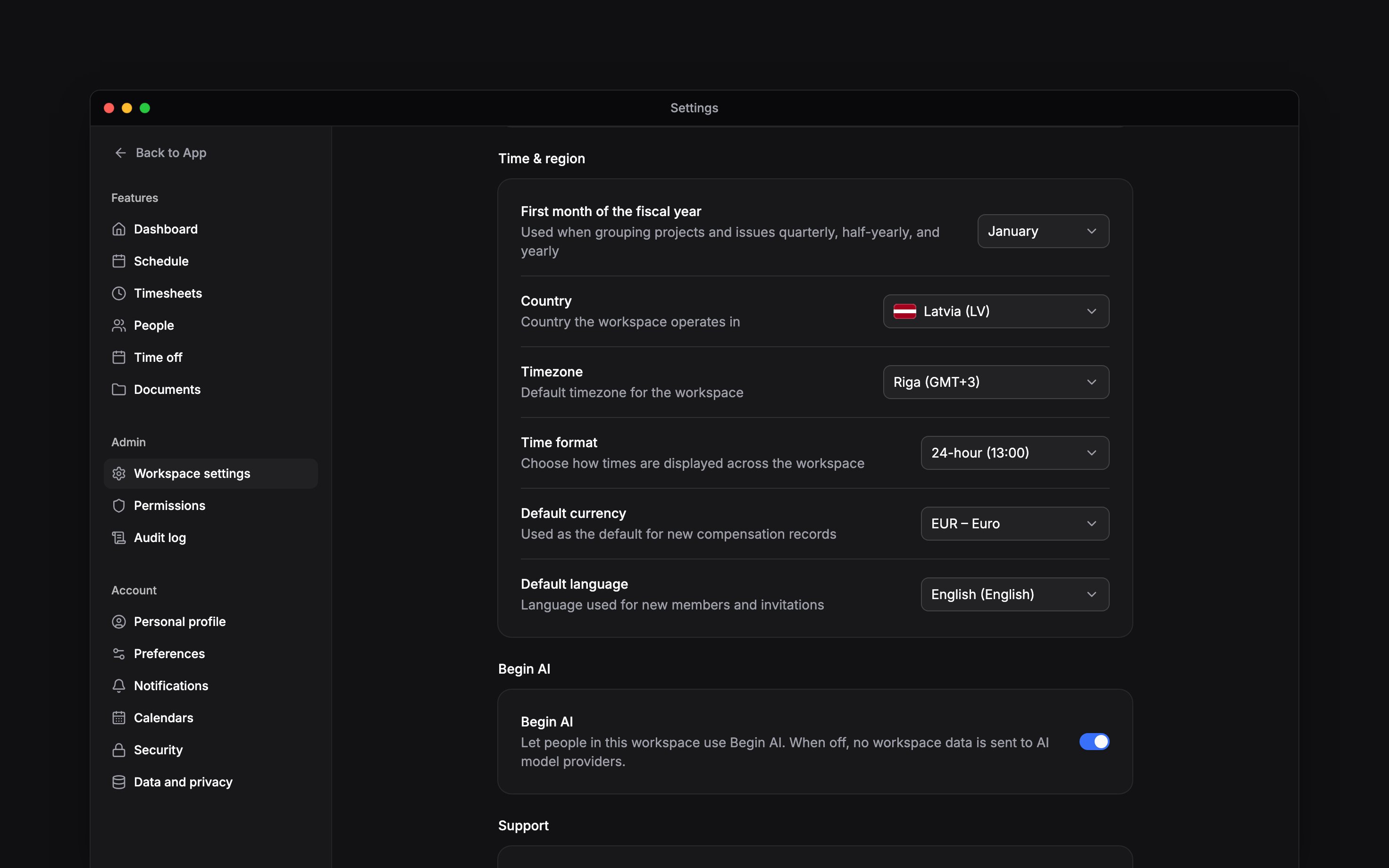
 Regional settings are the workspace defaults for country, timezone, time format, currency and language. They apply to everyone; personal language lives in Preferences. Find them under Time & region in Settings → Workspace settings.
You need Manage workspace settings. These defaults belong to the selected workspace, so check
the workspace switcher before changing them.
Choose the location and time
Choose each value from its row. Dropdown changes save immediately; wait for the saved confirmation before leaving. Set Country first. A workspace without a saved language uses the country’s default language; once a language is saved, changing the country no longer changes it. Timezone is the workspace default. Each location has its own timezone for shifts and clocking; the workspace timezone applies where no location does, such as reports, posts and generated documents. After a timezone change, reports file each time entry under the day it falls on in the new timezone, so an entry near midnight can move to the next or previous day. A workspace with a long history takes a few minutes to re-file. Check timesheets too, because the same recorded instant can appear at a different local time. Select 12-hour or 24-hour Time format. Dates follow each person’s interface language, so English reads day first (14 Feb 2026); only the time format is a workspace choice. The schedule week always starts on Monday; there is no setting for it.Choose money and language defaults
Default currency is used when a new compensation record is created. Changing it does not convert existing amounts. Default language is used for new members and invitations. Existing members keep their own language preference. You can also ask Begin AI to change it.Know what the fiscal month affects
First month of the fiscal year is stored for future reporting and is not used by any report yet. Changing it does not change calendar dates or move existing time records.Next
Workspace details
Change the workspace name, logo, or industry.
Personal preferences
Change your own language and interface.
Still need help?
Contact support
Email the Begin team and we’ll get back to you.
Ask Begin AI
Open the AI assistant and get instant answers based on these docs.