


 Devices is where you check the shared clock terminals installed for your workspace and manage the identifiers people use on them. Begin support installs and registers the hardware. You manage its location and the people linked to it.
Devices must be enabled for your workspace, and your role needs access. If it is missing from
the sidebar, ask an administrator to check your role or contact Begin support about availability.
Start here
Know what you can change
Your role needs the Devices and identifiers permission. Administrators and Managers have it by default. A custom role may not. You can search the fleet, read each terminal’s location and health, change its location, and manage identifiers. Begin support registers, edits, enables, disables, re-syncs, reboots and removes terminals.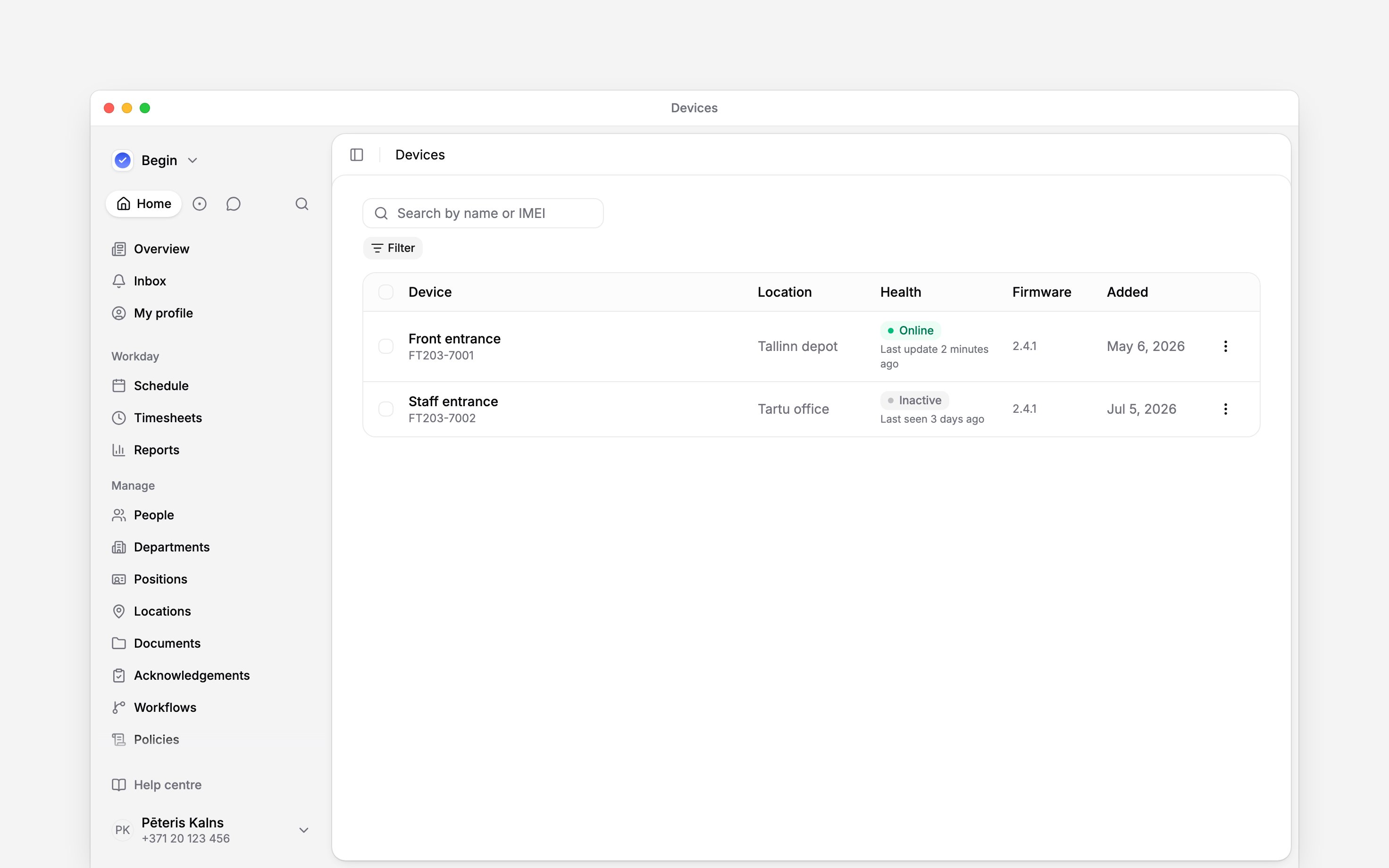
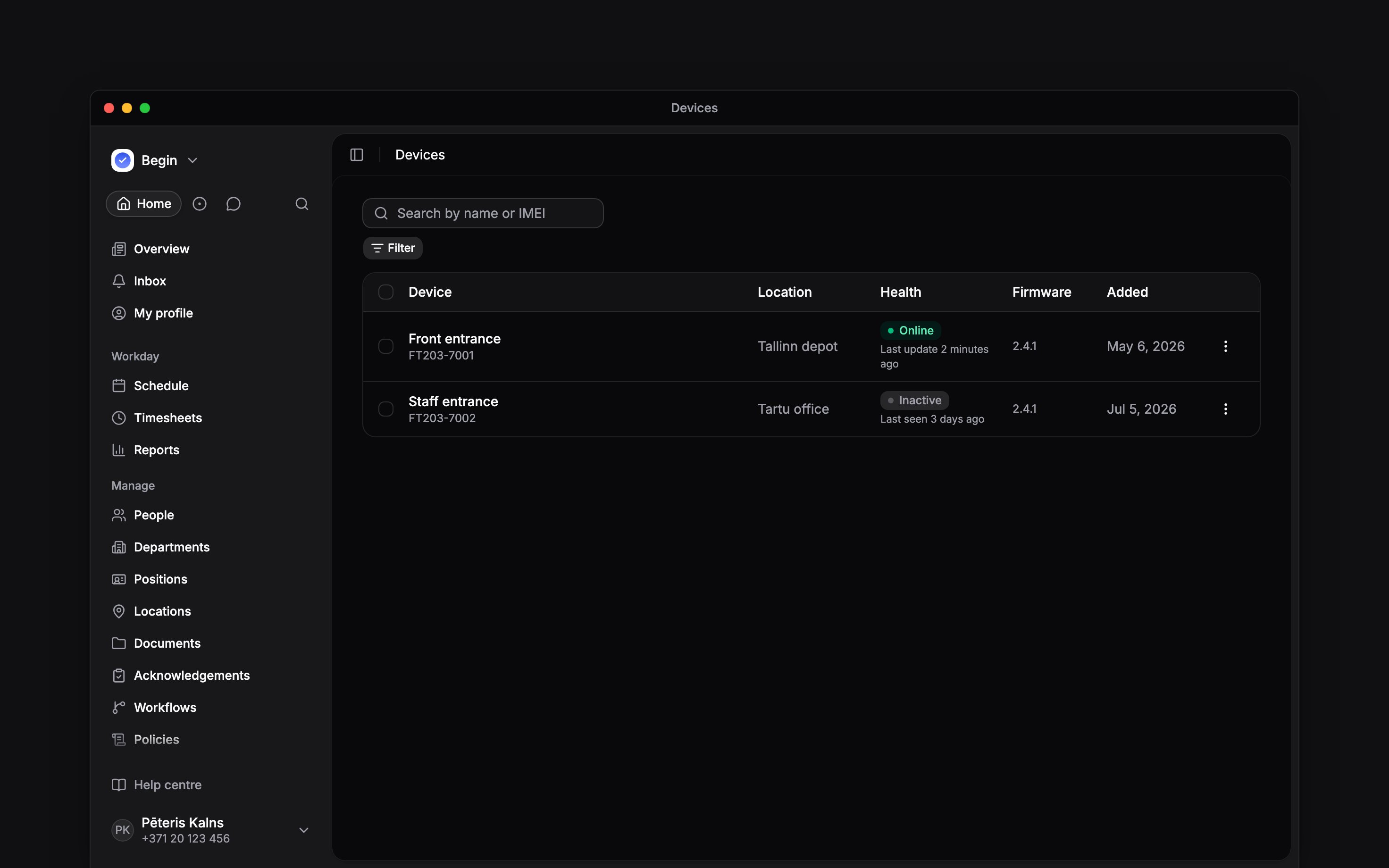
The fleet keeps the terminal name, IMEI, location and health together
Next
Setting up a terminal
What Begin support does, and the location choice you make afterwards.
Managing identifiers
Link captured identifiers to people and check where they have synced.
Still need help?
Contact support
Email the Begin team and we’ll get back to you.
Ask Begin AI
Open the AI assistant and get instant answers based on these docs.