


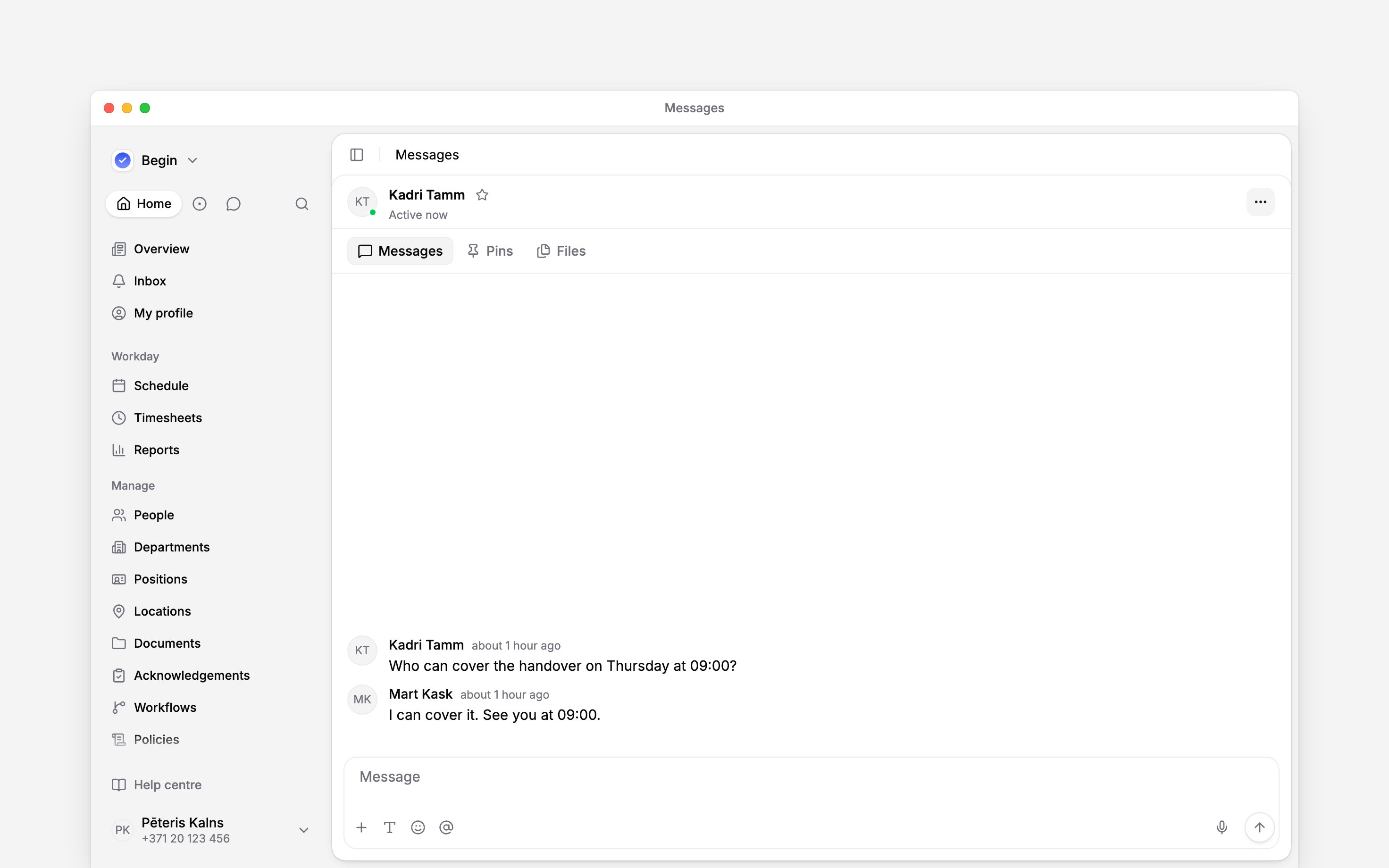
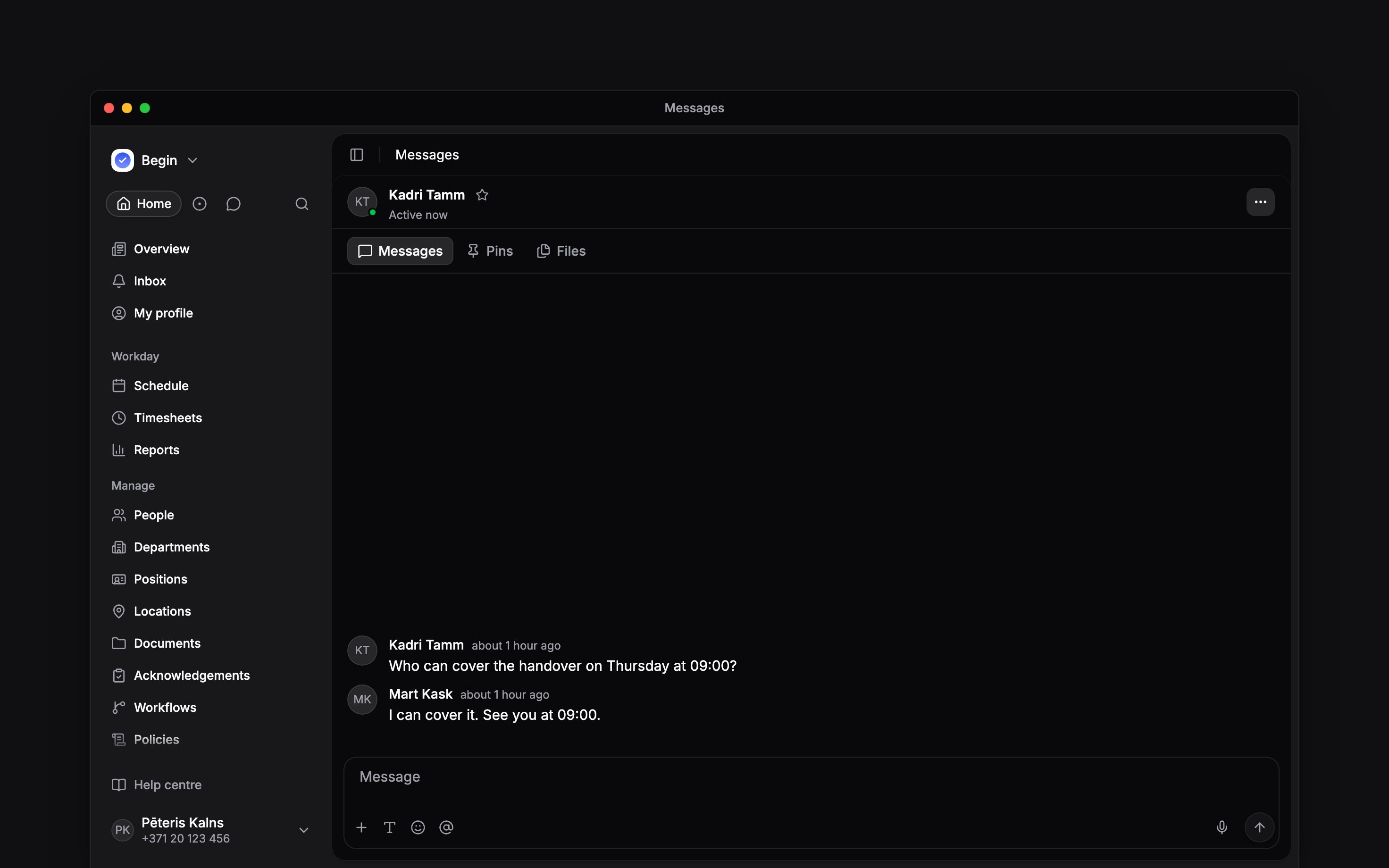
 Use a direct message for a conversation with one colleague. Select several people for a group chat when the discussion needs a small, specific audience rather than a channel people can discover and join.
Start the conversation
1
Choose New message
Open Messages → New → New message.
2
Choose your audience
Select one person for a direct message or several for a group chat. Check the selected names
before continuing.
3
Open the chat
Click Start chat for one person or Create group for several. Write your message and send
it.
If you cannot select people or start a chat, ask an administrator to check your member-viewing and
conversation permissions. Sending also needs the workspace’s Messages add-on when subscription
limits apply.
Keep a group chat’s audience right
Open a group chat’s menu and choose Edit group to name it and manage its participants, when your role and group-management rights allow it. Save the changes when the selected audience is correct. Choose Leave group when you no longer need to participate. A participant must add you back before you can rejoin. If you created the group chat, you cannot leave it and cannot hand it to someone else: archive it when it has finished. A group chat is not a public channel: there is no browse-and-join option for everyone else. Use a channel instead if people need a place they can find by topic or membership needs to follow a department. A direct conversation does not have a channel’s public/private visibility switch.Finish without losing the history
Archive moves the conversation to Archived. Restore conversation makes it active again. These actions depend on your permissions. To keep a conversation close without changing it for others, add it to your favourites. To reduce alerts, change your own notification settings.Next
Replies and reactions
Send a message, keep a reply with its question, and correct what you wrote.
Notifications
Choose which conversations notify you and when mobile alerts can reach you.
Still need help?
Contact support
Email the Begin team and we’ll get back to you.
Ask Begin AI
Open the AI assistant and get instant answers based on these docs.