


 Choose a plan by the first limit or capability your workspace needs to lift. Open Settings → Billing and plans, then select Upgrade to compare the plans with the current live price for your workspace. If you already have Pro, there is no higher plan and the upgrade comparison is hidden.
Billing must be available for your workspace. If you see Billing is not yet available, contact
Begin support. You need Manage billing to open this page or start an upgrade. The
Administrator role has that permission by default.
Compare what your team needs
The comparison shows Free, Standard and Pro side by side. Check active employees, custom workflows, Begin AI tokens and e-signatures against your workspace’s usage. The comparison is the source for the limits that apply now. Check the capabilities as well as the limits. Pro includes custom roles, custom fields, the audit log, government integrations, automatic clock-in and clock-out, and blocking or flagging punches made outside the workplace. Standard also caps active employees; above that cap the only route is Pro. The comparison also marks announced features that are not available yet. Do not choose a plan for those items alone.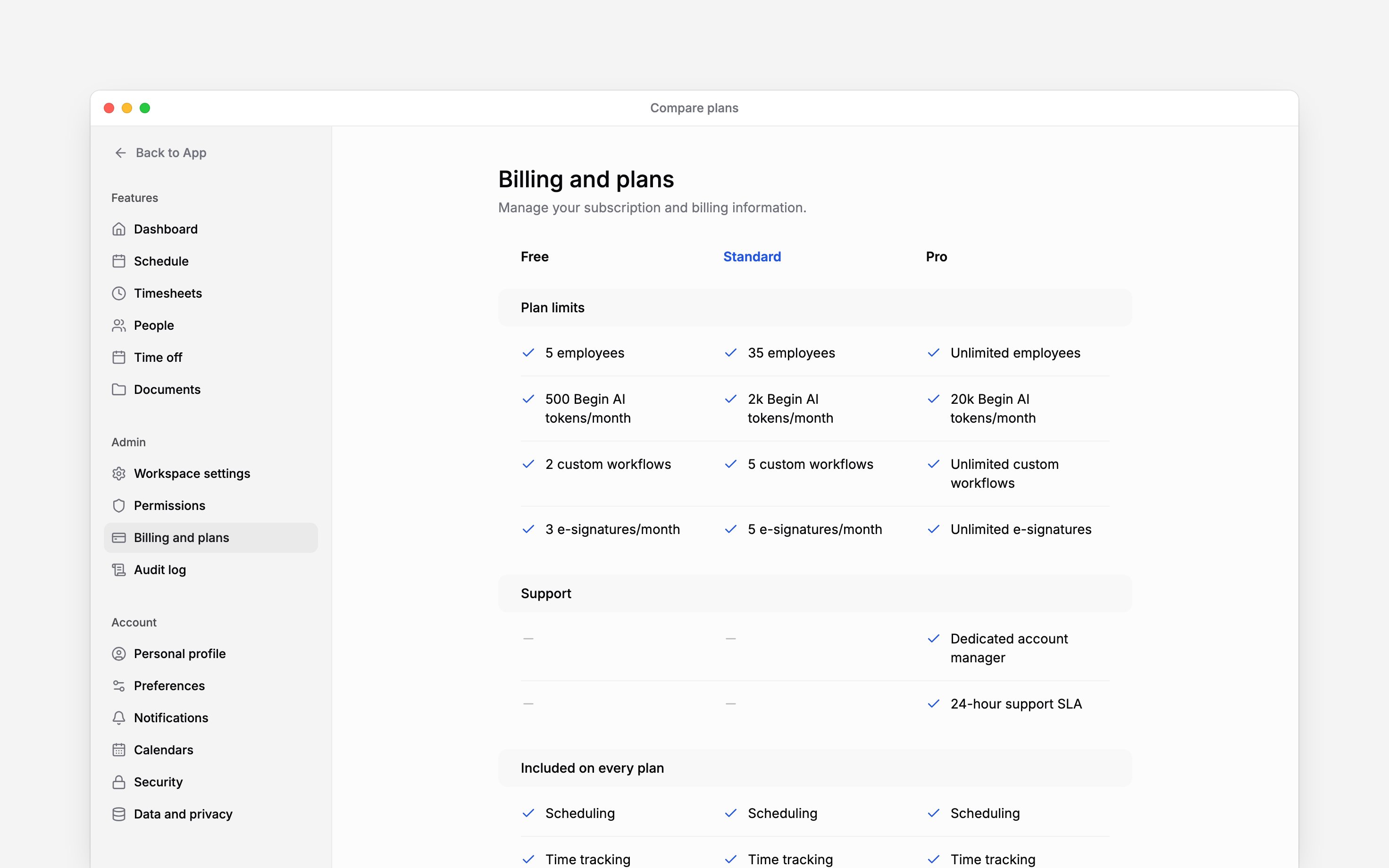
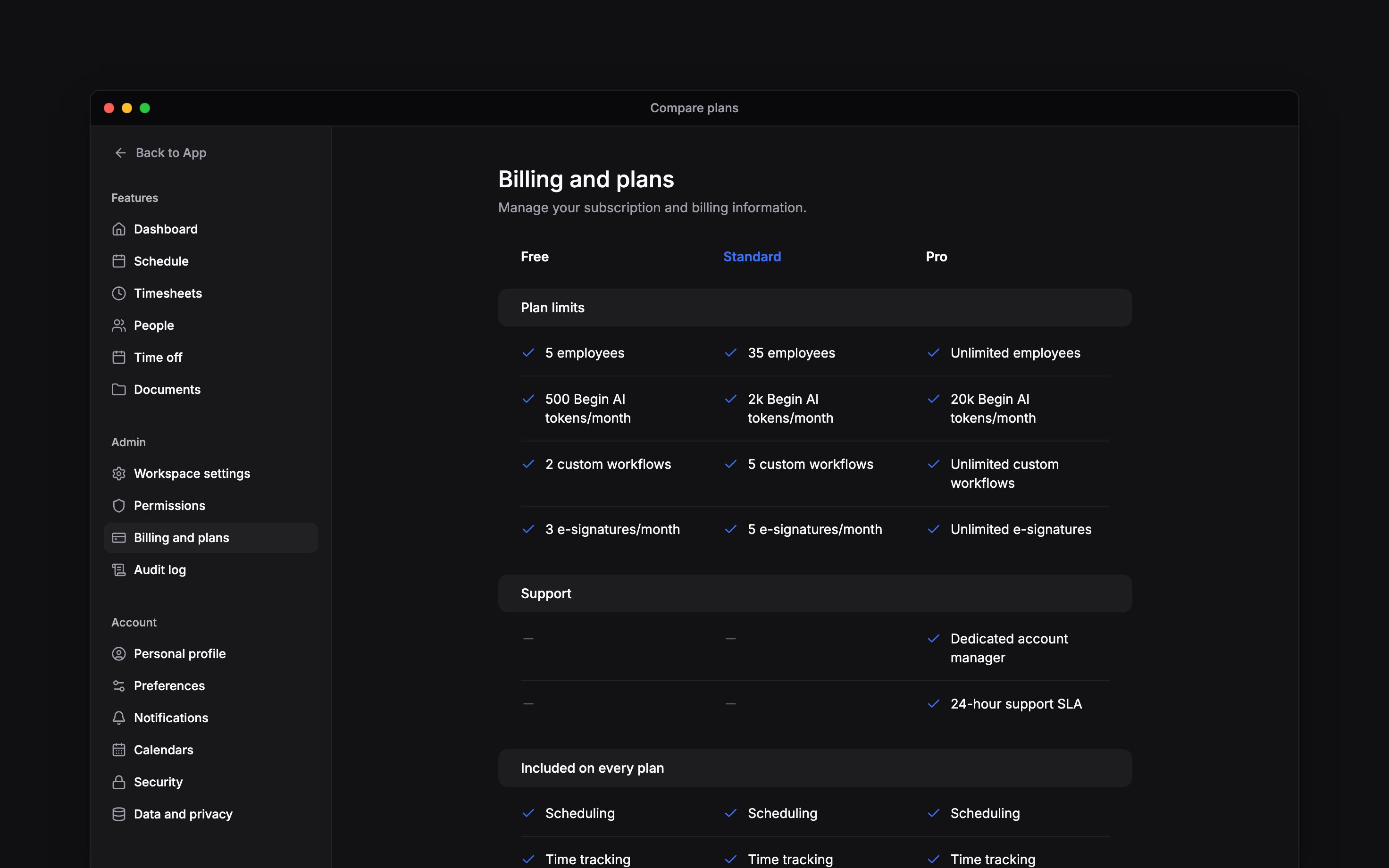
The comparison groups limits separately from features included on every plan
Read the price before you continue
Standard is priced per active employee. The page shows the current price and currency for your workspace, excludes VAT, and states the minimum number of seats billed. If an annual price is available, use Monthly and Annual to compare the terms before checkout. Pro shows Custom and opens Contact sales instead of a self-service checkout. For a workspace in Estonia, Estonian VAT is added on top at checkout, and you can add your company’s VAT number there. Workspaces in other countries are invoiced without VAT. An active employee counts towards both the plan limit and paid seat quantity, including someone invited who has not accepted yet. Suspending or marking somebody as left frees their seat. Paid plans have a minimum billed seat quantity, even when fewer people are active. Check that minimum in the plan terms before checkout. Seat changes are prorated on monthly and annual plans alike. Adding a person charges the rest of the current billing period, and suspending someone credits the time they will not use. Credits are applied to future invoices and are never refunded. On an annual plan, people you add part-way through the year are charged for the rest of that year. Preview the next charge shows when each change is billed.Add capacity without changing plan
Buy Begin AI tokens when you need more than the monthly allowance. You can buy ahead of time; purchased tokens are used after the monthly allowance and carry over. Buy e-signature credits if purchases are enabled for your workspace and your plan has a monthly signing limit. Buying credits does not change the plan. A plan with unlimited e-signatures has no credit wallet.Next
Changing your subscription
Start the upgrade after choosing a plan.
When a trial ends
What Standard access does when the free trial reaches its end date.
Still need help?
Contact support
Email the Begin team and we’ll get back to you.
Ask Begin AI
Open the AI assistant and get instant answers based on these docs.